


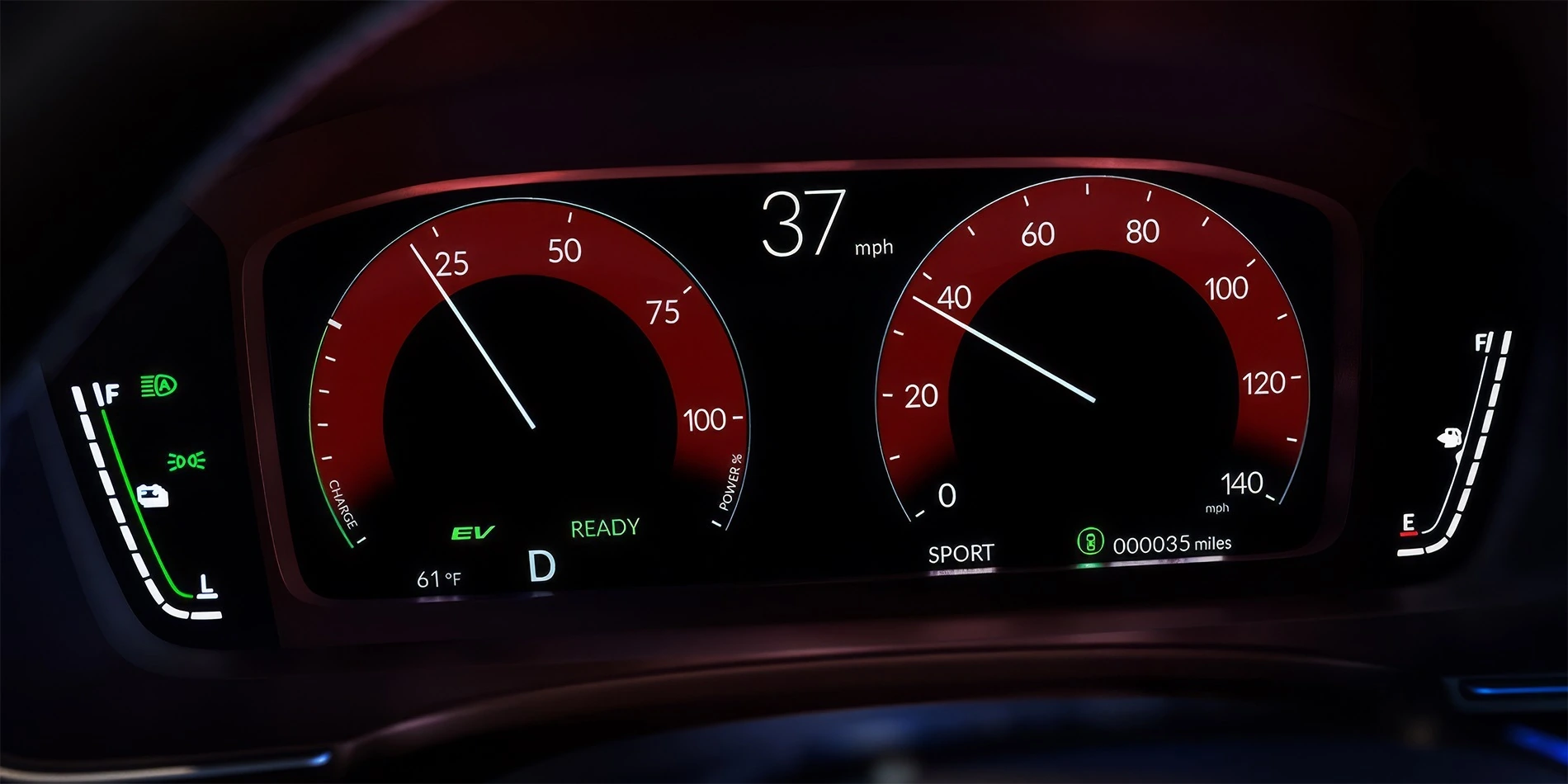
How To Reset Oil Life On A Honda Civic
Learn How To Reset Oil Life On A Honda Civic & Find The Correct Reset Method For Your Dashboard Setup.
Resetting oil life on a Honda Civic usually takes only a few minutes, but the process changes depending on the Civic model year and display setup. Some models use steering wheel controls and driver information menus, while others rely on a touchscreen settings menu or a physical SEL/RESET button near the instrument cluster.
In the sections below, we break down the most common Honda Civic oil life reset methods, explain why some reset options seem difficult to find, and cover troubleshooting tips for Civics that will not reset properly. For drivers around Tracy, Manteca, Mountain House, Brentwood, and the wider Central Valley, the goal is to make the process easier to follow without sorting through conflicting instructions online.
Honda Civic Oil Life Reset Guide
How To Reset Oil Life On A Honda Civic
Most Honda Civic oil life resets take only a few minutes once the correct display is open. Start by confirming the oil change has been completed, then use the reset path that matches your Civic’s controls.
Time Needed
About 5 minutes
Before You Start
Reset the oil life only after the engine oil has been changed.
Controls Used
Steering wheel buttons, touchscreen, or SEL/RESET knob.
Choose The Reset Path That Matches Your Civic
Steering Wheel Controls
Use this path when your Civic shows Vehicle Information or Maintenance Information through the driver display.
SEL/RESET or Trip Knob
Use this path when your Civic has a physical button or knob near the instrument cluster.
Touchscreen Settings
Use this path when the oil life reset appears inside Vehicle Settings or Maintenance Information.
Confirm The Oil Change Is Finished
The oil life indicator tracks the next maintenance interval. Reset it after the oil and filter have been changed so the reminder stays accurate.
Turn The Ignition On
Put the Civic in ignition-on mode without starting the engine. For push-button models, press the start button without pressing the brake pedal.
Find The Oil Life Screen
Open Vehicle Information, Maintenance Information, or the Oil Life screen through the steering wheel controls, touchscreen, or SEL/RESET button.
Select The Reset Option
Press and hold Enter, SOURCE, the selector button, or SEL/RESET until the maintenance reset menu appears or the oil life display begins blinking.
Confirm The Oil Life Reset
Choose the oil life item, often shown as Item A on some Civic displays, then confirm the reset. The oil life should return to 100%.
Restart The Civic And Check The Display
Turn the ignition off, start the engine, and check the oil life or maintenance screen. A successful reset shows 100% oil life.
Oil Life Still Won’t Reset?
Check that the Civic is in ignition-on mode, the correct oil life screen is displayed, and the reset button is held long enough for the screen to blink or show a confirmation menu. Some Civic models use a different reset path through the touchscreen, so the reset option can appear in Vehicle Settings instead of the gauge cluster.
Honda Civic Oil Life Reset Troubleshooting
One of the biggest frustrations with resetting oil life on a Honda Civic is that the reset process does not look the same across every model year, trim, or dashboard layout. If your Civic does not match the instructions you found online, the issue is usually tied to the display system or reset path rather than a problem with the vehicle itself.
How The Honda Maintenance Minder System Works
Honda Civic oil life is calculated through the Maintenance Minder system, which monitors driving conditions and engine operation instead of relying on a fixed mileage countdown alone.
100%
Fresh Oil Life
The system resets here after an oil change.
15%
Service Reminder
Most Civics begin displaying maintenance reminders around this point.
0%
Service Overdue
The Civic is overdue for oil service.
What Oil Life Really Means
The oil life percentage is an estimate of remaining engine oil condition, not a measurement of how much oil is in the engine. As the number drops, the Civic is calculating how much usable life remains before the next oil service.
Short trips, hot temperatures, repeated cold starts, frequent idling, and stop-and-go traffic can all lower oil life faster. That matters for Civic owners commuting around Tracy, Mountain House, Brentwood, Modesto, and the Central Valley, where traffic and heat can influence service timing.
Reset Rule
Do reset it after:
The oil and filter have been changed and the Civic is ready to track the next service interval.
Do not reset it just to:
Clear the reminder before service. That makes the next oil change timing inaccurate.
Need Help Understanding Honda Maintenance Minder Codes?
Oil life percentage is only one part of the Honda Maintenance Minder system. Learn what codes like A1, B1, and other maintenance reminders actually mean for your Honda Civic service schedule.
Explore Honda Maintenance Minder Codes
FAQ: Honda Civic Oil Life Reset
Why Drivers Choose Tracy Honda For Honda Service & Maintenance Support
At Tracy Honda, our service team helps Honda owners stay on top of routine maintenance with factory-trained technicians, genuine Honda parts, and service guidance built around how people actually drive throughout the Central Valley. From Honda Civic oil changes and tire rotations to brake inspections, fluid services, battery replacement, and Maintenance Minder diagnostics, we help drivers keep their vehicles performing the way Honda engineered them to.
We also help drivers better understand the Honda Maintenance Minder system, including oil life percentages, maintenance codes, and dashboard service reminders that can sometimes create confusion across different Honda model years and display setups. We are proud to serve drivers from Tracy, Tracy Hills, Manteca, Lathrop, Mountain House, Patterson, Discovery Bay, Brentwood, Modesto, and the wider Central Valley Honda community with practical Honda service support and long-term vehicle care.
Need Help Resetting Your Civic Oil Life?
Our Tracy Honda service team helps Civic owners with oil changes, Maintenance Minder questions, dashboard reset procedures, and routine Honda maintenance. Whether your Civic uses steering wheel controls, a touchscreen reset path, or a SEL/RESET button setup, we can help make sure the system is reset correctly after service.
DISCLAIMERS:
*Maintenance Minder information is intended as a general guide and may vary depending on vehicle configuration, model year, driving conditions, climate, and driving habits.
*Oil life percentages and maintenance reminders are estimates generated by the Honda Maintenance Minder system and do not replace regular vehicle inspections or checking engine oil levels manually.
*Resetting the Maintenance Minder system without completing the recommended service may result in inaccurate maintenance tracking and service intervals.
*Always follow the maintenance schedule and service recommendations outlined in your Honda Owner’s Manual.